
NAVIGATION
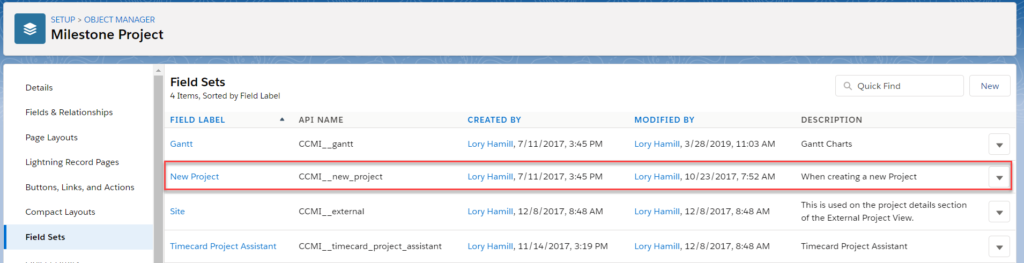
To customize the Add Task overlay go to Setup → Project → Edit New Project Field Set
ADD TASK OVERLAY
1. Project Task → Edit New Project Field Set
Most fields can be custom configured, however fields with marked with ‘*‘ are required and hard coded into the page which means they cannot be changed.
 2. Once the Field Set is open, fields can be added or removed by dragging and dropping from the panel above. The field order is the same that will display on the New Project page.

3. To make a field required: Select the tool icon → Check the box labeled “Required” → Click OK.

4. Click Save
Next Steps:
Have questions? Attend our live forum! Register to attend
Leave A Comment?